Get started
A new company opens on Home with a short list of what to do first. Each step ticks itself off as soon as the data is there: nobody marks anything as done by hand, so the list is never wrong.
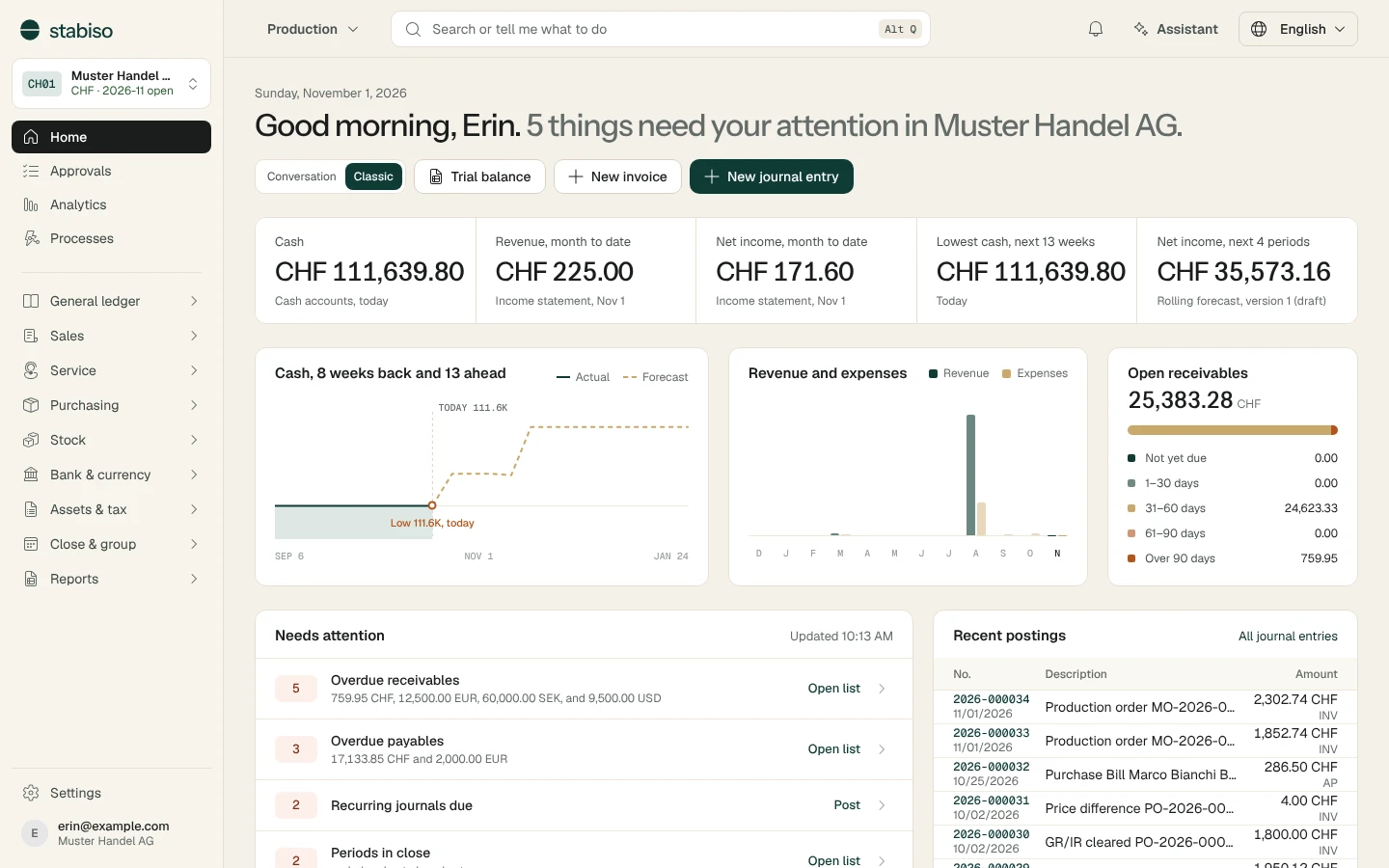
Where: Home, at the top, until every step is done or skipped. Over the API it is
GET /v1/entities/{entity}/get-started; an AI assistant uses the MCP tools get_started and
skip_get_started_step. Get started is a feature module of its own
(ADR-0102).
The steps
| Step | Done when | Where |
|---|---|---|
| Company details for invoices | the company's record holds what the law asks its invoices to show about it (what an invoice must show): in Switzerland its town and, once it files VAT, its UID with MWST; in Germany its address and tax number; elsewhere its address. Until then an invoice cannot be posted, printed or sent. The step names what this company still lacks, and its button opens the profile with those fields marked | Settings → Company |
| Bank account | the company has a bank account (its IBAN, or its routing and account number in the US) | Settings → Bank accounts |
| Logo | the company has a logo | Settings → Branding |
| Customers | there is at least one customer | Sales → Customers |
| Products | there is at least one active product or service | Sales → Products |
| Opening balances | the opening balances are posted or waiting for approval | Settings → Import data |
| People | a second person has access (an outside auditor does not count) | Settings → Users |
| the company has the e-mail address its customers answer | Settings → Company | |
| Autopilot | at least one outcome is switched on | Processes, which offers the recommended outcomes in one click |
Each step on Home opens the page where it is done; Add bank account and Add products open that page's Add form at once.
The Autopilot step opens Processes with the offer to switch on the outcomes recommended for every company (all but the group's reports) in one click. They work as the person who presses it; what they book waits for approval where that person's would, and approving, sending, paying and filing stay with people. See Autopilot.
Sample data first
While a company has nothing posted and nothing waiting, Home shows no figures, charts or empty lists. It offers sample data instead, above the start list, so a new company can see Stabiso at work before its real books start:
- In the company's Test environment (the copy of Production the setup wizard makes), Add sample data books a month of sample customers, invoices, bills and payments into the company. Switch on Autopilot there under Processes to watch it work on them. A test copy shows no start list: the company is set up in Production.
- In Production, Open Test switches to that Test environment. Sample data never goes into real books.
Once the company posts its first entry, Home shows its figures, charts and lists as usual. Settings → Test copies offers the same sample data at any time.
Skip
Not every step is for today: a business that starts today has no old books to carry over, and a one-person company invites nobody yet. Skip sets such a step aside without its data; Show again opens it again when it is needed. A skipped step is marked with a dash, not the done step's tick. A step whose data is there counts as done either way.
Skipping a step takes the administrator's right. The list shows to administrators, who can set the company up; the greeting above it says how many steps are left.
The main button on Home
Home's main button is New invoice: what a business does most, while the list is open and after. New journal entry sits beside it, and leads only for a role that does not open Sales.